How to Prepare for a Video Interview: Checklist, Setup and Tips

For many jobs, the first two or three interview rounds now happen on video, and for remote roles the entire process may never involve meeting in person. That makes video interview skills a real advantage. Two candidates with similar experience can leave very different impressions depending on sound quality, lighting and how comfortable they look on camera.
The good news is that almost everything that goes wrong in video interviews is preventable. Use this guide as a checklist in the days before your interview.
Two or three days before
- Confirm the platform and the link. Zoom, Microsoft Teams, Google Meet or a dedicated hiring tool — install any app you need and check that your account works.
- Check the time zone. For international or remote roles, confirm the time in writing ("Just to confirm: 3pm CET, which is 2pm for me"). Our guide to managing time zone differences has more tips.
- Research the interviewers on the company website or LinkedIn so you know their roles.
- Prepare your answers to common questions like "tell me about yourself" and "what is your greatest weakness?"
- Do a test call with a friend using the same platform.
Your technical setup
Internet
Use a wired connection if you can, or sit close to your router. Close downloads, cloud backups and other devices that use bandwidth. Have a backup plan — a mobile hotspot, or the interviewer's phone number in case the call drops.
Audio
Sound matters more than video. People forgive a slightly grainy picture, but not audio that cuts out or echoes. A simple wired headset or earphones with a microphone is usually better than laptop speakers. See our roundup of headsets for remote meetings if you want an upgrade.
Camera
Position the camera at eye level — stack books under your laptop if needed. You should appear from roughly mid-chest up, with a little space above your head. Clean the lens; it makes a surprising difference.
Lighting
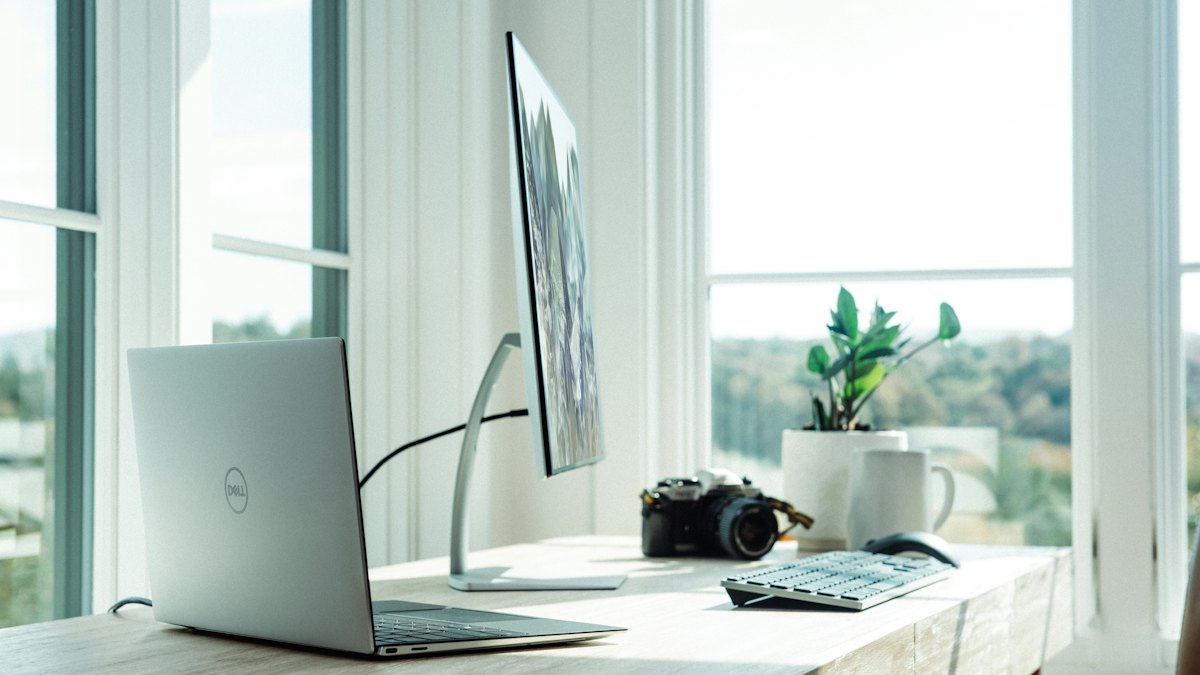
Face your light source. A window in front of you gives flattering, even light; a window behind you turns you into a silhouette. In the evening, place a lamp behind your screen, pointed at your face, and avoid harsh overhead lights on their own.
Background
A plain wall, a tidy bookshelf or a neutral room is ideal. Virtual backgrounds can flicker around your hair and hands, so if you use one, choose a simple blur. Remove anything distracting or personal from view. If you are building a permanent setup, our home office setup checklist covers the essentials.
On the day
- Restart your computer an hour before to avoid surprise updates.
- Close every unnecessary app and turn off notifications (email, chat, calendar pop-ups).
- Put your phone on silent and out of reach.
- Have water, a notepad, your CV and the job description nearby.
- Tell people at home that you need quiet, or put a note on the door.
- Join two or three minutes early — not ten, which can be awkward if the host is still in another call.
- Dress as you would for an in-person interview, at least from the waist up. Solid colours usually look better on camera than busy patterns.
Body language on camera
- Look at the camera when you speak, not at the faces on screen. It feels unnatural but reads as eye contact. Moving the video window close to your camera helps.
- Sit upright and lean slightly forward to look engaged.
- Nod and use small reactions while listening, because silence on video can feel colder than in person.
- Pause before answering to avoid talking over the interviewer, since video calls have a small delay.
- Keep notes minimal. A few keywords are fine; reading full answers is obvious on camera.
One-way (recorded) video interviews
Some employers use recorded interviews where you see a question, get a short preparation time and then record your answer with no one on the other end. These feel strange, but a few habits help:
- Use any practice question the platform offers to test your setup.
- Structure answers clearly: a one-line summary, one example, one sentence of result.
- Watch the timer, but do not rush — aim to finish with 10–15 seconds to spare.
- Smile at the start and end of each answer; it makes a difference when reviewers watch many recordings in a row.
- Check whether you get retakes before you start.
If something goes wrong
Technical issues happen to everyone, including interviewers. Stay calm and fix it quickly:
- If audio fails, use the chat to say you are rejoining, then rejoin.
- If the connection drops completely, email or call the recruiter straight away.
- If someone interrupts at home, apologise briefly and continue — interviewers are human.
How you handle the problem often matters more than the problem itself, especially for remote roles where calm troubleshooting is part of the job.
Run a ten-minute rehearsal
The day before, record yourself answering three questions with the exact setup you will use. Watch the recording with the sound on, then again with the sound off. With sound, listen for echo, background noise, filler words and answers that run past two minutes. Without sound, check framing, eye contact, lighting on your face and whether you fidget or look away often. Most people spot two or three easy fixes — raising the laptop, moving a lamp, slowing down — that make a visible difference the next day.
Questions to ask at the end
Prepare two or three questions, such as:
- "What does success look like in the first 90 days?"
- "How does the team communicate and make decisions day to day?"
- "What are the next steps in the process?"
For remote roles, it is fair to ask about time zone overlap, meeting load and equipment support. You can also bring a short 30-60-90 day plan to stand out in later rounds.
Frequently asked questions
Should I use a virtual background?
A real, tidy background is usually best. If that is not possible, a simple blur is safer than an image.
Can I use notes during a video interview?
Yes, a few bullet points are fine. Avoid reading, and do not type loudly during the call.
What if I don't have a quiet space at home?
Consider a library study room, a coworking space or a friend's home — and test the connection there beforehand.
After the interview
Send a short thank-you message within 24 hours — our guide on following up after an interview has templates. Then keep momentum by applying to more roles: browse the latest jobs or explore remote jobs open worldwide.